LinkedIn banner templates
Templates for 38 roles, 27 cities and 10 styles. Each opens in the editor with your words in place, a photo-safe layout and a desktop and phone preview.
Independent tool, not affiliated with LinkedIn
How to pick a template
Match your template to what you want visitors to understand in a few seconds.
Finding a job
Start with one of the 26 role templates. Replace the sample words with your specialty and the main tools or methods you use.
Winning new clients
Pick the founder, management consultant or graphic designer template. Write one clear sentence that names who you help and the result you deliver for them.
Building local ties
Choose one of the 14 city templates to show where you work. Add your job title and your local focus so people nearby place you quickly.
Start fromNew York CityLondonToronto
Hiring for your team
Open the recruiter or founder template and add your company logo to pull in its colors. Name the team you are growing and where candidates apply.
By style
Plain text and plain colour are what most real banners use, then calm scenery. Each style opens with wording you can change and colours picked so the text stays readable.

By city
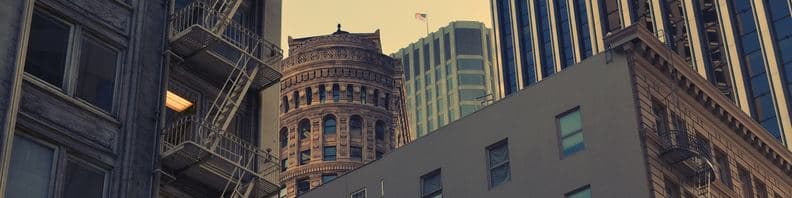
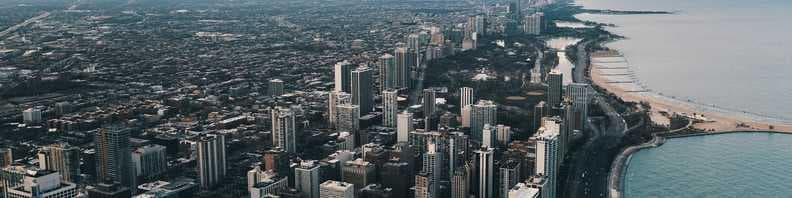
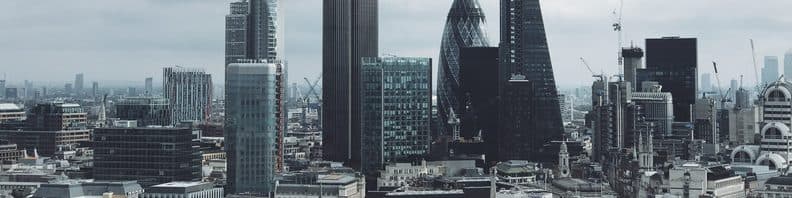
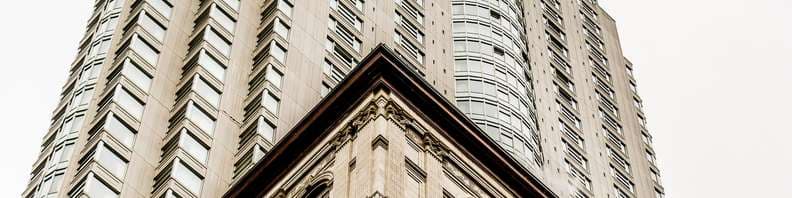
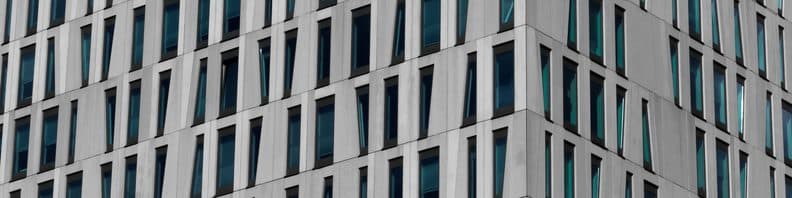
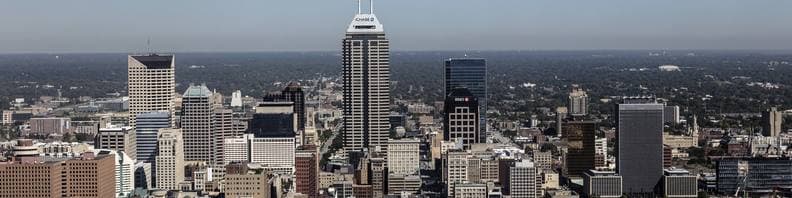
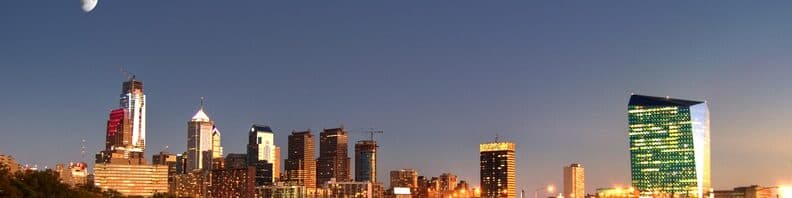
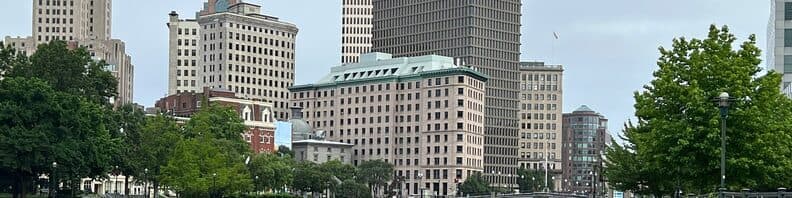
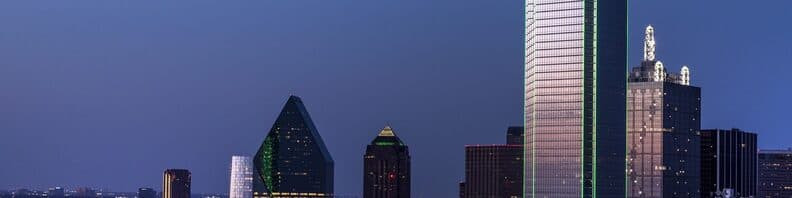
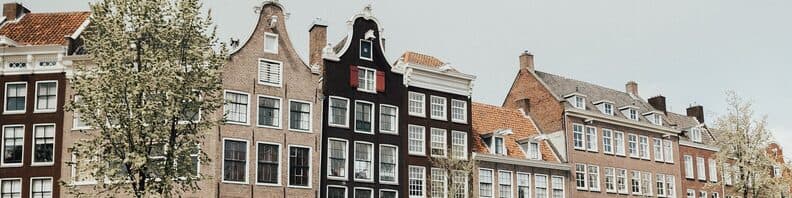
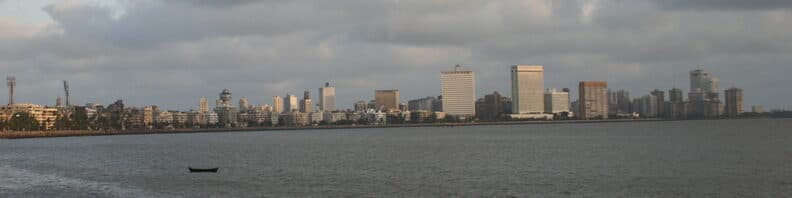
Each city template pairs a public-domain or CC0 photo of the city with text you can edit.
















By role
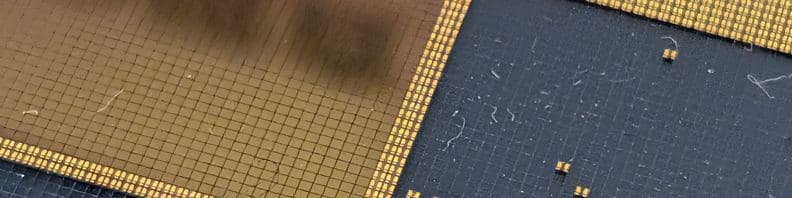
Every role gets clean text layouts with wording for the job. Where banners for that job commonly show a photo or a simple icon, such as ports for logistics or soft colors for nursing, those templates follow.
- Software Engineer
 AI Engineer
 Data Engineer
- Data Scientist
- Data Analyst
- Product Manager
- Product Designer
- Graphic Designer
 Electrical Engineer
- Mechanical Engineer
 Civil Engineer
- Site Reliability Engineer
- Cybersecurity Analyst
- Registered Nurse
- Teacher
- Marketing Manager
- Sales Development Representative
- Account Executive
- Solutions Engineer
- Recruiter
- Project Manager
- Accountant
- Financial Analyst
- Management Consultant
- Founder
- Student
- IT Specialist
- Content Writer
- Lawyer
- International Relations Specialist
- Construction Manager
- Aerospace Engineer
- Bioengineer
 Sustainability Manager
- Physical Therapist
 Chef
 Procurement Specialist
- Logistics Manager
Before you upload
Check these five details in the preview before you export.
- Size and file format
- LinkedIn's help page recommends 1584×396 pixels, a 4:1 ratio, as JPG or PNG under 8 MB. The maker exports 1584×396, or 3168×792 for a sharper upload.
- Clear the lower left
- Your round profile photo sits over the bottom-left of the banner. Keep words and logos centered or right of center so the photo never covers them.
- Watch the phone crop
- Phones show a narrower slice of the banner and trim both sides. LinkedIn publishes no safe zone, so use the phone preview to check that the edges can go without losing a letter.
- One message, large type
- A banner with three points is hard to read on a small screen. Pick one short line, set it in one of the eight fonts, and size it up until it reads at arm's length.
- Check contrast on a phone
- Light text on a bright sky or dark text on a dark coat disappears. After you upload, open LinkedIn on a real phone and confirm the words are easy to read.
About the photos
City, role and scenery templates use public-domain or CC0 photographs from Wikimedia Commons, with the credit listed on each city and role page. Every image is checked by hand for faces, logos and readable text.
Questions
Are these LinkedIn banner templates free?
Yes. Every template and the banner maker are free with no limit. Everything runs in your browser with no sign-up, nothing you type or pick is uploaded, and the exported image has no watermark.
What size do the templates export at?
You can download a PNG at 1584×396 pixels, a sharper PNG at 3168×792, or a JPG. LinkedIn's help page recommends 1584×396 pixels for the profile cover image, as a JPG or PNG under 8 MB, so every template starts at that size.
Can I use my own photo, logo or brand colors?
Yes. You can change every layer in the maker: background photo, colors, text and eight fonts. Add your logo and the maker picks colors from it. You can also fill in a brand kit once (title, who you help, proof, keywords, city, website and two colors) and apply it to any template in one click.
Will my banner look right on desktop and on a phone?
The editor shows your banner under a profile photo in a desktop view and a phone view before you download. Phones trim the sides and LinkedIn publishes no safe zone, so keep text short and toward the center or right, and check your profile on a real phone after you upload.
Should I use my company's or school's official banner instead?
If they offer one, it is a reasonable choice. Some large employers and universities publish official LinkedIn banners for staff, students and alumni, and a few ask employees to use them. Check your intranet or brand pages first. If yours has none, or you want the banner to say what you do rather than where you work, start from a template here.
Is Presolio affiliated with LinkedIn?
No. Presolio is an independent tool, not affiliated with or endorsed by LinkedIn. The templates are made in your browser at the size LinkedIn's help page recommends for profile cover images.