Boston LinkedIn banner
Templates with public-domain photos of Boston, kept clear of where your profile photo sits. Edit the words and download a 1584×396 PNG.
Independent tool, not affiliated with LinkedIn
Templates
Layers
Select a layer to edit it
Background

Your Name
Your headline appears here
What to write on a Boston banner
Three lines that work, ready to copy into the editor.
- Clinical data for Boston biotechData Scientist · Cambridge and Kendall Square
- Robotics software, Boston areaSoftware Engineer · Motion planning and perception
- Hospital IT projects that go live on timeProject Manager, PMP · Greater Boston
Using a Boston banner well
Boston's professional world is shaped by its universities, hospitals and life sciences companies, and a Boston banner tells people you are part of that network. That is useful in fields where local relationships matter: biotech hiring through Cambridge labs, hospital systems that prefer staff who know the area, and robotics and research spinouts that grow out of nearby universities. The banner works best when it names the overlap between your role and the region, such as “Clinical data for Boston biotech” rather than a general title over a harbor view. Brick, water and autumn color are the most recognizable visual cues, and they feel more personal than a skyline. Weight the composition to the right; on a laptop screen, the circle of your profile photo overlaps the lower left.
People here often work in biotech and life sciences, higher education, healthcare, robotics, asset management.
Boston photos in these templates
Public domain or CC0, checked by hand for faces, logos and readable text.
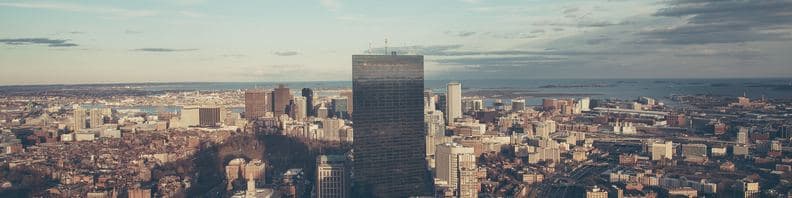
Daytime aerial skyline near the Prudential Tower · Anthony DELANOIX, CC0 1.0 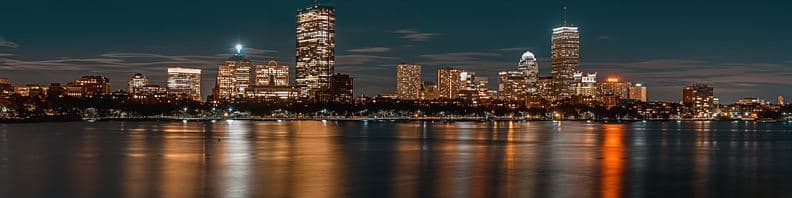
Night skyline reflected in the Charles River · Osman Rana, CC0 1.0 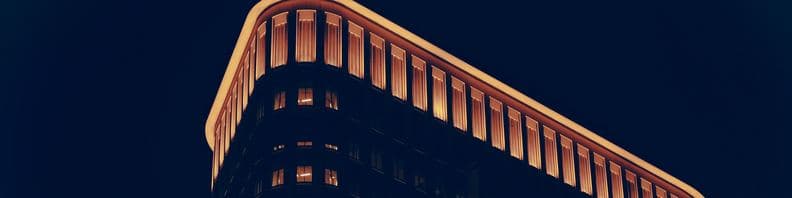
Abstract lit architectural cornice detail · Andreas Rønningen, CC0 1.0 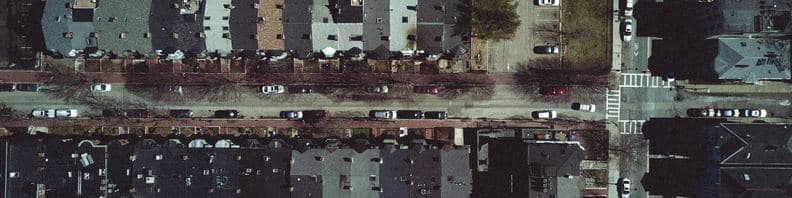
Aerial row-house rooftop texture · Ryan Mercier, CC0 1.0


Questions
Should my banner say Boston or Cambridge?
If you work in biotech or tech near Kendall Square, Cambridge is meaningful to people in those fields and signals a specific community. For a broader audience, Boston or Greater Boston is clearer, and it matches how many recruiters search the region. You can use one on the banner and the other in your About section.
Does a Boston banner help in healthcare and biotech?
It can. Many hospital, research and biotech employers in the region value candidates who are already local, especially for lab and clinical roles that are on site. The location gets you considered; a named discipline like clinical operations or computational biology is what gets you found. Avoid hospital logos or lab photos from work, which may be restricted.
What Boston images avoid looking like a tourism postcard?
Choose textures and everyday scenes over famous landmarks: brick row houses, a cobblestone side street, the river at dusk with no boats, or a quiet wharf. These carry the Boston signal while looking personal. Brick and stone are busy textures, so lay a dark overlay across the right side before adding your text.